Get AI tools training as a gift
4.9
Front-end developer: course with a job placement

Learn online from scratch
90%
of students had no technical background or IT experience
Course updated for 2026
100%
updated curriculum aligned with employer requirements

6 500+ Mate graduates are already working in IT
rating based on Google reviews
Front-end developer: Salary
$2,200
+22%YoY salary growth. Source: DOU
What does a front-end developer do?
A Front-end developer (also called a frontend developer or front-end engineer) is a programmer who builds everything you see and interact with on a website or in an app: interfaces, buttons, forms, animations and responsive design. A front-end developer turns a designer's mockups into code with HTML, CSS, JavaScript and frameworks such as React. It is one of the most popular professions in web development: almost every IT product needs a front end – from online stores to banking apps. In the course with job placement, you will learn front-end development from scratch and start your career as a Junior Front-end developer.

The skills tech companies are hiring for
This course is 80% hands-on — so you won't just learn front-end. You'll be ready to land a real dev job.
Mentorship from real Front-end engineers
Our mentors are working devs. They'll review your code, give you feedback, and help you figure things out.
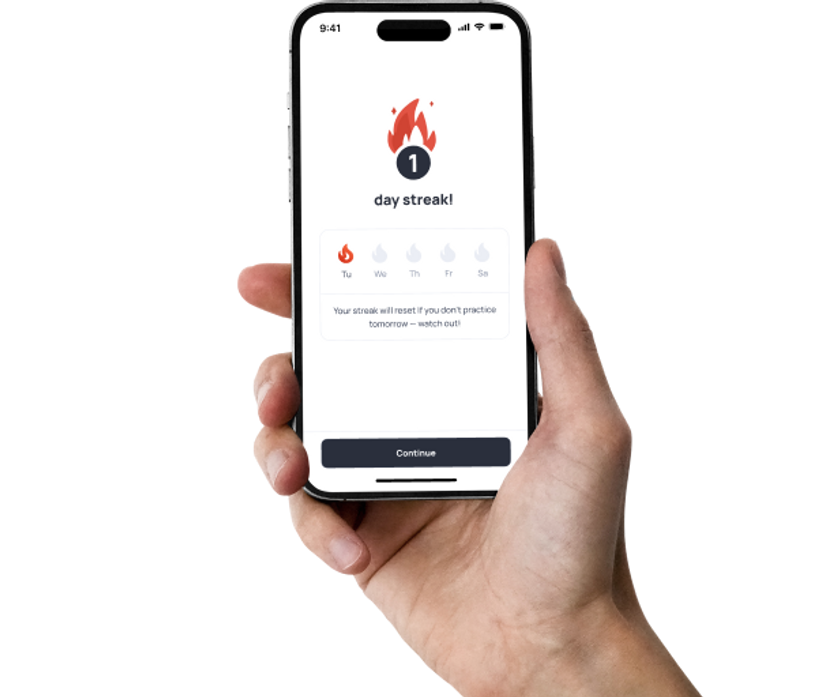
Everything on one single platform
You'll get videos, practice tasks, and real projects — all designed to get you started as a trainee or junior front-end developer.
How will you become a Front-end developer with Mate academy?

Job referrals
Early access to junior front-end job openings

English lessons
The essential skills to ace interviews and succeed in tech

Job search tips
A resume and cover letters tailored to front-end roles

AI skills module
Practice using AI to break down tasks and write smarter code

Mock interviews
Interview training to help you land your first developer role
*You can buy English lessons separately.
FORMAT COMPARISON
Which studying format suits you?
Weekdays, 9 am - 6 pm
In your free time

This might be your CV

Marta K.
Front-end developer
Skills
- Can read and write HTML5 and CSS3
- Know how to implement responsive design and frameworks
- Have experience with JavaScript and front-end frameworks (React, Angular)
- Proficient in using version control systems (Git)
- Understand how to optimize web performance
- Know how to ensure cross-browser compatibility
- Have experience with RESTful APIs and asynchronous data fetching
- Bring strong problem-solving and communication skills
Technologies






90%
of Mate grads entered the tech field for the first time
Mate grads cases
Build your portfolio while you learn

Created a brigade info page with responsive design, fast performance, and smooth navigation.

A Front-End course graduate created a mascot for DOU Stream #10 with Monobank integration, triggering real-time animations during donations.
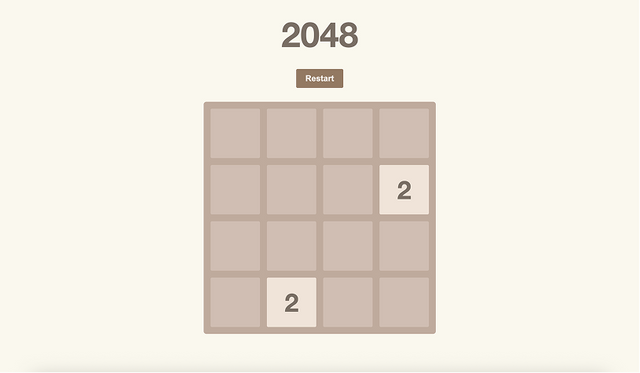
Implemented tile-merging logic, score calculation, and progress saving — with smooth animations, keyboard support, and mobile swipe controls.
What's covered
Course roadmap
The front-end course curriculum is built so that after online training you are ready to work as a Junior Front-end developer. We updated it in 2026 to match employer requirements. You will go from HTML and CSS to JavaScript, TypeScript, React and Redux, and learn to work with Git, APIs and AI tools, including Claude Code.
Get Started
3 topics
JavaScript Basics
14 topics
Discover the programming language best suited for beginners. We'll kick off with strings, functions, conditionals, loops, arrays and a few more!
Topics
- Introduction
- Your First JavaScript Program
- Main Concepts
- Numbers
- Strings
- Boolean
- Functions
- Conditional Statements
- Arrays
- Loops
- String Iteration
- Strings Methods
- Working With Arrays
- Practice
Course Fundamentals
1 topic
This module contains information, tips, and assignments that will help you study more effectively in the course and, in the long run, get a job in a better company with a higher salary.
Topics
- How to Learn Effectively
GenAI Essentials
6 topics
Learn how to use GenAI responsibly and effectively.
Topics
- How GenAI Works
- Limitations of GenAI
- Prompting
- Responsible Use
- GenAI for Learning
- How to Keep Up With AI
HTML + CSS Basics
16 topics
Next up: introduction to HTML and CSS. Find your way around fonts, semantics, responsiveness, selectors and specificity, media queries, links, and forms.
Topics
- Environment Setup
- HTML Basics
- CSS Basics
- Colors and Fonts
- Box Model Basics
- Semantic Basics
- Responsiveness Basics
- CSS Selectors
- Pseudo-Elements and Pseudo-Classes
- Specificity
- Links and URLs
- Images
- Media Queries
- Forms
- Position
- Extra Topics
Git and Terminal
5 topics
Terminal is an important tool for any developer, so it's high time for you to exercise basic commands! You'll start using a Git version control system, too.
Topics
- Environment Setup
- Command Line Basics
- Git Basics
- Working With Branches
- Working With Remote Repo (GitHub)
JavaScript Basics Extended
10 topics
On the basics stage we omitted a fascinating, but demanding concept: objects. We'll introduce you to them now, though not only — JavaScript still has a few aces up its sleeve!
Topics
- Code Style
- Working With Numbers
- Loops in Details
- Working With Strings
- Functions Revisited
- Switch
- Type Conversion
- Logical Operators
- Object Basics
- Extended Extra
HTML + CSS Advanced
9 topics
Back at HTML and CSS already, now to explore flexboxes, BEM, Sass, grids, and events. Once done, you'll code your very own landing page.
Topics
- Environment Setup
- Figma Installation
- Flexbox
- BEM
- Sass
- Transformations and Animations
- Grid
- Document and Events
- Landing [Portfolio Project]
JavaScript Advanced
13 topics
Having mastered the fundamentals, we're free to take on the advanced issues. So, brace yourself for methods, closures, prototypes, constructors, classes, and... something extra.
Topics
- How to Solve Tasks on Github
- Object Advanced
- Methods
- Array Methods
- Callbacks
- Array Iteration Methods Implementation
- Array Iteration Methods Usage
- Array Iteration Methods Test
- Closures
- JS Practice
- Prototype
- Constructors
- Classes
DOM, Events, Promises
5 topics
In this module, you will learn how to manage a page using JavaScript, as well as about asynchrony in JavaScript.
Topics
- DOM Basics
- DOM Styling and Sizing
- Events
- Promises
- Portfolio Project
Communication and Stress Management
7 topics
This module is designed to enhance your communication skills and overall soft skills. You’ll learn how to communicate effectively, feel confident during job interviews and public speaking, master techniques to manage stress, and much more. The best part? The module includes 28 practical tasks that will significantly boost your skills and help you see noticeable progress.
Topics
- Introduction to Communication & Stress Management
- Confidence Building and Stress Management
- Diction, Filler Words Reduction, and Body Language
- Public Speaking
- Job Interview
- Written Communication
- Social Media Communication Skills Development
React
7 topics
Chooo chooo, next station: component-based development, and one of the most popular library in the front-end realm, React. We'll learn how to combine it with TypeScript, too!
Topics
- Introduction
- Props
- Rendering Lists
- Handling Events
- List Manipulation
- Lifting State Up
- Updating State
TypeScript Basics
6 topics
In professional terms: TypeScript is a JavaScript superset. In human terms: it's JavaScript modified for more versatility and comfort. We'll go through, i.a., object types and classes.
Topics
- Introduction
- Basic Types
- Advanced Types
- Object Types
- Classes
- Generic Types
React with TypeScript
11 topics
Get acquainted with the magic of TypeScript in React.
Topics
- Introduction
- Forms
- Advanced Hooks
- Component Lifecycle
- Custom Hooks
- Loading Data From API
- Updating Data on Server
- State Management
- React Router
- Working With URLSearchParams
- Portfolio
Redux
3 topics
If JavaScript with React and TypeScript already feel like a small Lego set, good news! There's a fourth brick to play with, a library, Redux, helpful in app state management. Let's take a look 👀
Topics
- Main Concepts
- React Redux
- Async Redux
How the Web Works
6 topics
We interact with the Internet day by day, and yet, few know how it all works. If you don't, either — we've got your back. We'll explore the OSI model, HTTP, encryption, APIs and security issues.
Topics
- Introduction to the Web
- OSI Model
- HTTP
- API Interface
- Encryption
- Security in the Web
Team Project
7 topics
In 4 weeks, you will create a product from scratch in teams with colleagues from other areas, following Scrum methodology, and present the results to your mates. In the end, you will have another project to add to your resume and gain invaluable real-world experience.
Topics
- Week 0: Team Project. Intro
- Week 1: Jira Environment
- Week 2: Status Check
- Week 3: Estimates
- Week 4: How to Demo Your Work
- Final Week: Retrospective
- Team Project for Employment
Building Portfolio
1 topic
Tech interviews require a thorough preparation, so at this stage we'll revise material introduced hitherto and fill in any gaps.
Topics
- Final Portfolio Review
Employment
9 topics
Ready to enter the tech market? Well... we'll get you ready — with a great resume, cover letter, a LinkedIn profile and mock interviews. Recruiters are in for a true discovery!
Topics
- Employment Roadmap
- Preparing Your Resume
- Interview Preparation
- Cover Letter Preparation
- LinkedIn, DOU, Djinni
- How to Find and Apply for Vacancies
- Job Search Tips: Talking to Recruiters
- Work details FAQ
- MilTech
Vue.js
10 topics
Learning by doing is our favorite technique here, and this module is no exception. You'll learn the Vue.js framework by using it to build a ToDo App. How cool is that?!
Topics
- Introduction
- Templates
- State Management
- Forms
- Computed Values
- Components
- Interaction With Page Elements
- Interaction With the Server
- Error Handling
- TodoApp with Vue.js
Angular
1 topic
Angular is a JS framework used mostly to create scalable, sing-page web apps. We'll learn how to use it, beginning with forms through components, observables, state management, and more.
Topics
- Angular Basics
Algorithms and Data Structure
11 topics
Don't go running just yet, algorithms simply need some taming. Data structures, too: we'll take on arrays, linked lists, stacks, queues, hash maps and sets... among other things.
Topics
- Module Overview
- Algorithms complexity
- Arrays
- Binary search
- Two pointers
- Linked lists
- Stack
- Queue
- Trees
- Binary search tree
- Priority queue
Object Oriented Programming
2 topics
Object-oriented programming is a concept fundamental to many programming languages, most notably: Java, Python, JavaScript and C++. So — let's acquire a good understanding thereof.
Topics
- Basic Principles
- SOLID Principles
Unit Testing
5 topics
Every code has to be tested, and the more code there is, the more test volume there is. Unless we automate it! And we'll happily teach you to do so.
Topics
- Introduction to Javascript Automated Testing
- Unit Testing
- TDD Basics
- Mock Basics
- Advanced Mocks
Using AI for Work
4 topics
Boost your productivity with AI — simple, practical, no coding or technical background required.
Topics
- Introduction to AI
- Working with Claude
- Vibe coding
- AI for Video Generation
Claude Code
59 topics
By the end of this course, you'll use Claude Code confidently in your real daily work - setting it up, shaping it to your own projects, connecting it to your tools, and running several agents at once. You'll finish with a complete, shareable setup built on a codebase of your own.
Topics
- Meet Claude Code and get it running
- Your first Claude session
- How Claude actually makes a change
- Permission modes: staying in control
- Headless mode: quick answers without the chat
- Resuming and managing sessions
- Slash commands and checking your context
- Running Claude Code in your editor
- Running long commands in the background
- What CLAUDE.md is and why it loads every session
- Conventions, build commands, architecture
- Writing rules that stick
- Scope: project-level vs. user-level vs. nested files
- When not to use CLAUDE.md
- Project rules & permissions
- Output styles: choosing how Claude responds to you
- Set up Claude on a real project
- The plan-then-execute mindset
- Entering and reading a plan in plan mode
- Approving, editing, and looping on a plan
- Model tradeoffs: Opus vs. Sonnet vs. Haiku
- Switching models mid-session
- The opusplan hybrid
- Managing context and cost across the loop
- How Claude works with your repo: status, diffs, history
- Committing well: staging and writing good commit messages
- Branches and pull requests
- Reviewing code and PRs with Claude
- Resolving merge conflicts
- Ship a change end to end
- What MCP is: Claude Code as a client to external tools
- Adding an MCP server
- Using MCP tools inside a session
- Scoping and managing servers: project vs. user
- MCP safely: permissions, secrets, and trust
- Letting Claude use CLI tools
- CLI tools vs. MCP servers: when to use which
- Claude skills
- CLAUDE.md vs. skills
- Creating a skill
- Organizing & reusing skills
- Custom slash commands: turning a repeated prompt into a one-word shortcut
- Passing arguments to a command
- What hooks are: actions that run on their own at key moments
- Common hooks: auto-format after an edit, block a risky command, run a check
- Writing and scoping your own hook
- Running Claude without you: CI, scheduled jobs, and pre-commit
- Wire Claude into your stack
- What a subagent is: isolated context, returns only results
- Built-in subagents: Explore, Plan, general-purpose
- Why parallel subagents help: context hygiene and speed
- Creating a custom subagent
- Tool and MCP permissions for subagents
- Orchestrating multiple subagents in parallel
- What a plugin is: one bundle of commands, skills, subagents, hooks, and MCP
- Installing and toggling plugins with /plugin, and the marketplace
- Building your own plugin from the pieces you've already made
- Sharing a plugin with your team
- Build a multi-agent workflow
Career Development
For full-time students9 topics
Module that will help you confidently pass your probation period, develop a professional development plan, prepare for performance reviews, and learn how to record your achievements. It provides practical tools for conscious career growth and preparation for new opportunities.
Topics
- Succeeding in Your Trial Period
- Personal Development Plan (PDP)
- Performance and Salary Reviews
- CV and LinkedIn Profile
- Cover Letter Preparation
- Interview Preparation
- DOU, Djinni
- How to Find and Apply for Vacancies
- Job Search Tips: Talking to Recruiters
240
Topics
14
Projects
From zero to hired
What’s your path to becoming a Front-end developer?
Land your job in tech
Start your new job as a Front-end developer.

Get in touch
Do I need a technical background? When can I start?
- We'll answer all your questions
- Help you choose the right course
- Get you in on our best deals
Skill level after the course
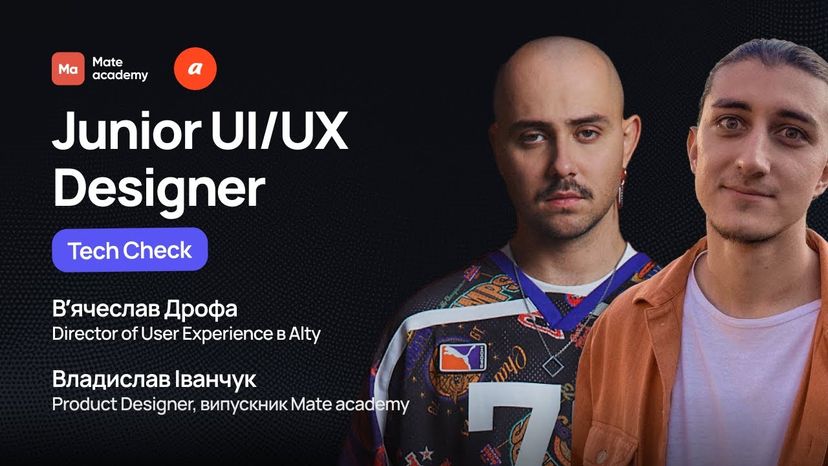
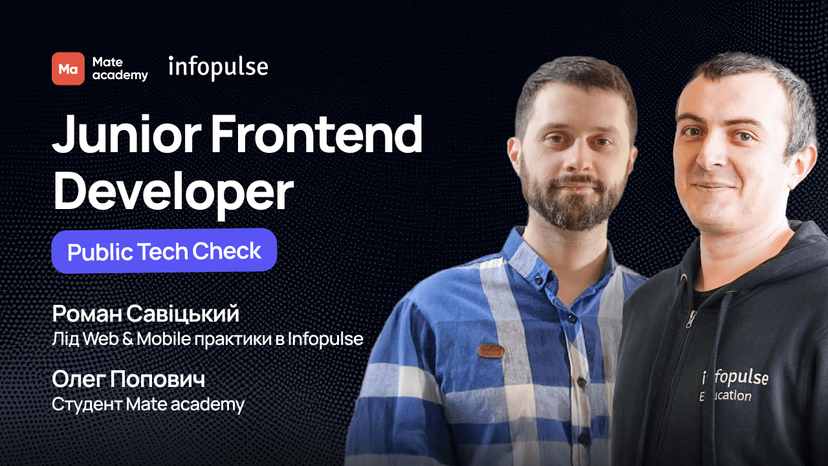
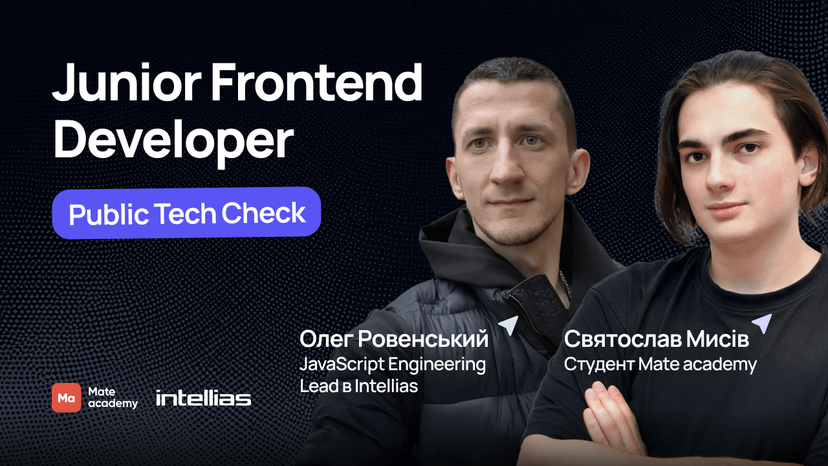
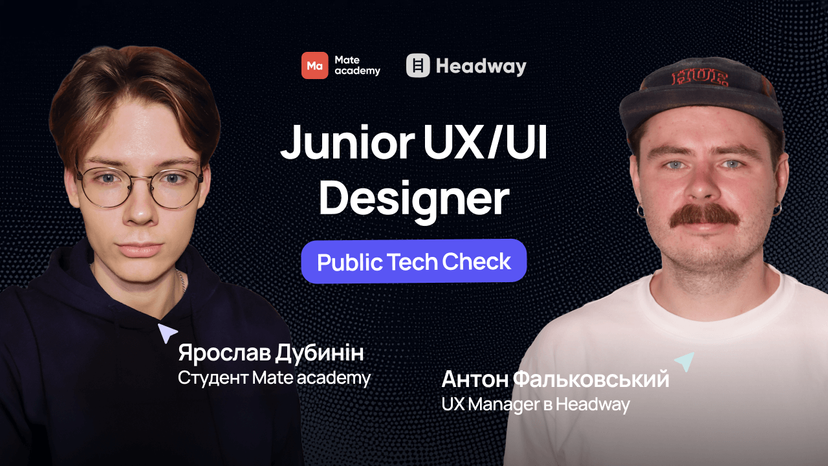
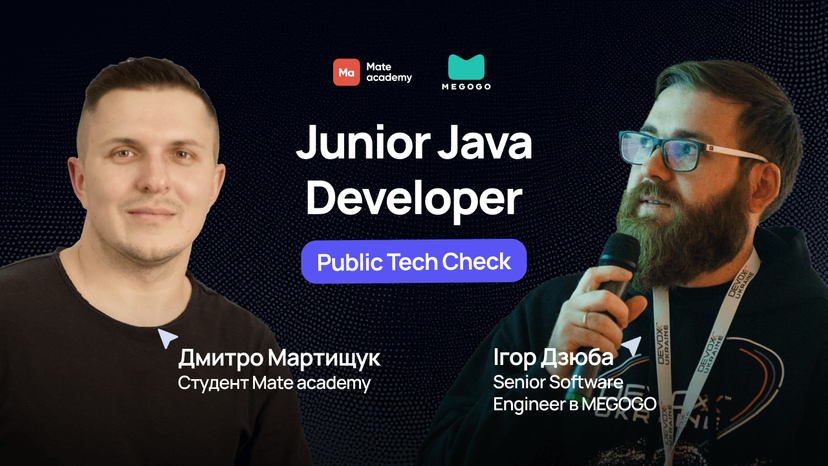
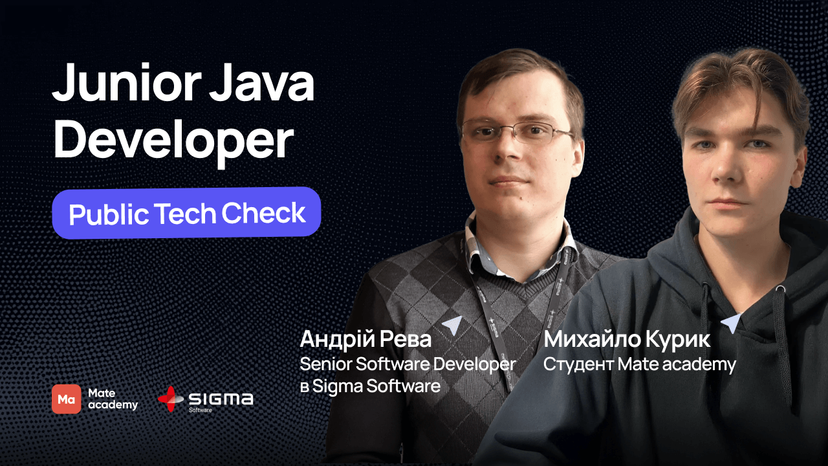
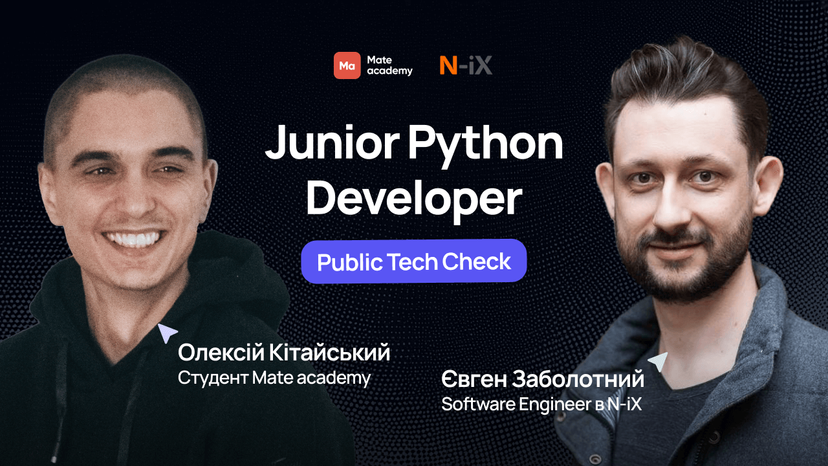
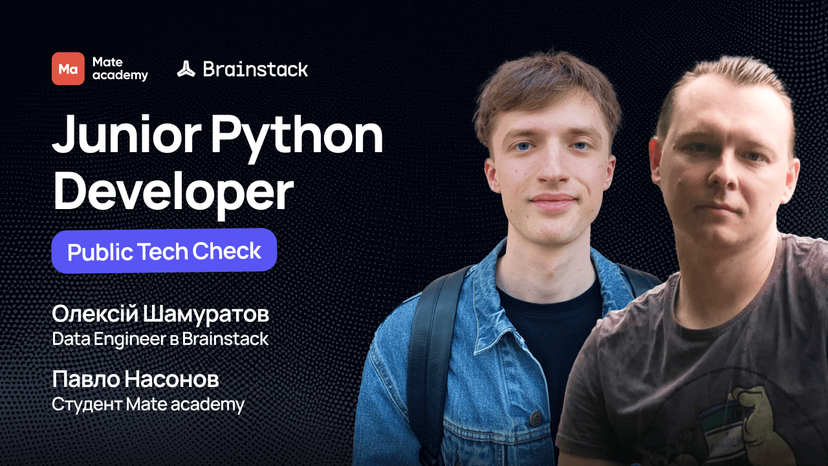
Mate graduates ace technical interviews
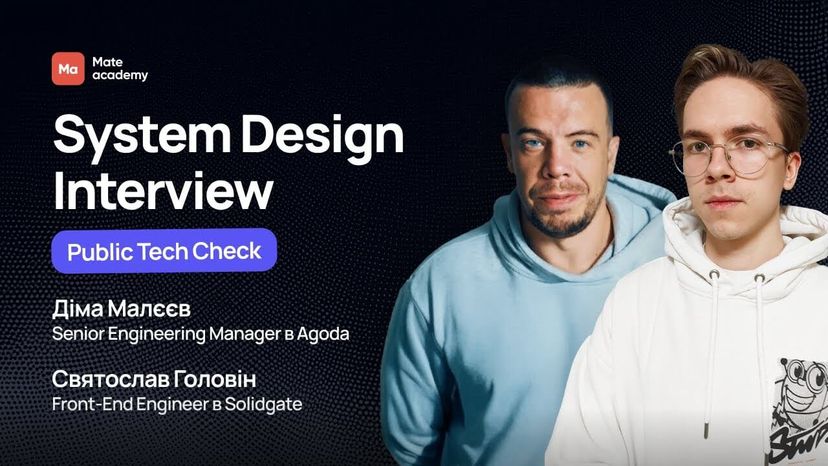
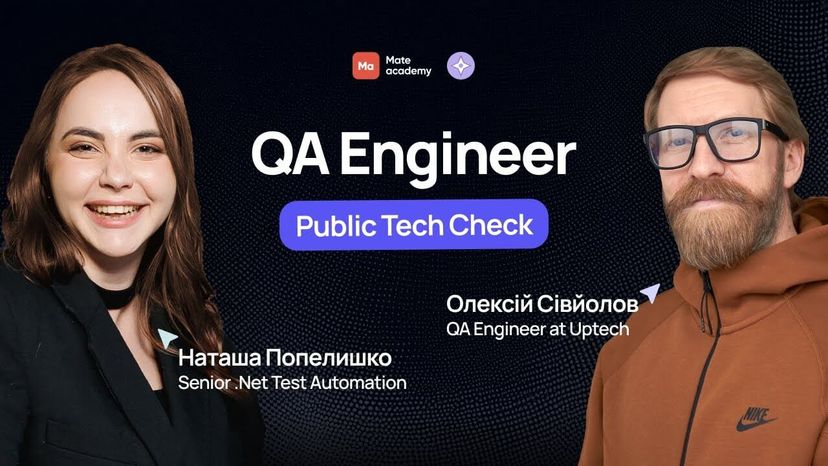




























Who will guide you?

Coaches

Mentors

English Teachers

Education coordinators

Employment coordinators

Get in touch
Let's get in touch
- We'll answer all your questions
- Help you choose the right course
- Get you in on our best deals
Faq
Got questions? We’ve got answers
What will I be able to do after the front-end developer course?
After the course, you will be able to build responsive pages with HTML, CSS and Sass, write code in JavaScript and TypeScript, build interfaces with React and Redux, work with APIs, Git and GitHub, write unit tests and use AI tools in development. The course has 27 modules with hard and soft skills, so you will also learn to work in a Scrum team and pass job interviews. By the end, you will have a portfolio of 14 projects.
Why are online front-end courses better than self-study?
You can learn the basics of HTML, CSS and JavaScript on your own, but it is hard to know what employers really need, to get a code review and to land your first offer. In the Mate academy front-end course, you study with a structured curriculum, mentors who are working developers review your code and give feedback, and your groupmates in chat and on calls help you stay motivated. The career team helps with your resume, LinkedIn and job search.
How to become a front-end developer from scratch?
To become a front-end developer from scratch, start with the basics – HTML, CSS and JavaScript, then learn TypeScript, React and Git. At the same time, build your own portfolio projects and get feedback on your code. In the Mate academy front-end course, this path takes 4 months in the full-time format or about 7 months if you study in your free time: from your first HTML tags to a Scrum team project and interview preparation.
Why are you sure I will be able to work as a developer after the course?
For more than 12 years, we have helped people with no experience start and grow a career in IT and beyond. That is why we created the Front-end development course with job placement — to prepare you from scratch for your first job on a development team. Here is why it works: 80% of the course is practice: you build pages, write JavaScript code, use HTML and CSS, work with Git and complete real projects
We update the curriculum all the time to match current job market requirements. Mentors who work in front-end development themselves review your homework, give feedback and answer all your questions The career team will help you:
• build a developer resume; • improve your LinkedIn profile; • prepare for technical interviews
According to Mate academy data, 80% of graduates get a Junior developer job within a few months after they finish the course.
How long is the front-end course?
The Mate academy front-end course takes 4 months in the full-time format (Mon–Fri, 9:00–18:00) or about 7 months in the part-time format, where you study at your own pace. After the training, you look for your first Junior Front-end developer job together with the career team.
How much do front-end courses at Mate academy cost?
The price depends on the format. In the full-time format, you study for free and start to pay only after you get a job – 12% of your salary for 36 months. If you do not find a job, you pay nothing. The part-time course has a fixed price that you can pay at once or in installments through a partner bank. A manager will tell you the current price and terms at a free consultation.
Can I take front-end courses in Kyiv?
Mate academy training is online, so you can take front-end courses in Kyiv, Lviv, Kharkiv, any other city or from abroad. All materials, mentor code reviews and group calls are on the platform, and after the course you can look for a job both in IT company offices and remotely.
How much does a junior front-end developer earn?
The median salary of a Junior developer in Ukraine is $990 per month, Middle – $2500, Senior – $4500 (DOU, June 2026). Junior specialists in different specializations earn from $895 to $1000, and the salary grows with experience and level.
What to choose: Frontend or Fullstack?
Choose front-end if you like to build the interfaces that users see and want to get your first IT job as fast as possible. A Fullstack developer also writes the server side and works with databases, so the curriculum is wider. If you are not sure, a manager at a free consultation will help you choose a direction for your goals.
Will I learn AI in the front-end course?
Yes. The curriculum has the GenAI Essentials and Using AI for Work modules, and a large Claude Code module with 59 topics. In it, you will learn to use an AI agent in everyday development: from change planning and code review to MCP, hooks and work with several agents at once.

Who are online front-end courses for?
Mate academy front-end courses are made for people who have never programmed: 9 out of 10 students come with no IT experience. Online front-end courses are most often chosen by:
- IT beginners who want to start with a profession where you see the result of your work at once.
- People who change careers and want to combine study with work in their free time.
- Students who want to get their first IT job before graduation.
- Designers who want to turn their own mockups into code.
- Entrepreneurs who want to understand how websites and apps are built.
How does online training in the front-end course work?
The front-end course runs online in two formats: full-time (Mon–Fri, 9:00–18:00, 4 months) or part-time (about 7 months at your own pace). All materials, code reviews and communication with mentors are on the Mate academy platform.
- Practice with mentors helps you learn Front-end development faster. 80% of the training is practical tasks with code review and feedback from developers.
- Your portfolio grows from 14 study projects. Among them are a landing page, a React app and a Scrum team project.
- Interview preparation covers tech checks and resume writing. Students also create profiles on LinkedIn, DOU and Djinni.
- The career team helps you find your first job. Students get vacancies from partner companies and support at every hiring stage.
- The training ends with the search for your first offer. The goal is a Junior Front-end Developer job.
How much does a front-end developer earn after the courses?
The median salary of a Junior developer in Ukraine is $950 per month, Middle – $2500, Senior – $4500 (DOU, June 2026). After the course, you start as a Junior Front-end developer, and with experience you can grow to Middle and Senior, become a Tech Lead or move to Fullstack.
Can I take front-end courses for free?
Yes, in the full-time format the Mate academy front-end developer course is free until you get a job: you pay nothing during training or during the job search. Payment starts only with your first IT salary – 12% of your net salary for 36 months, and if you do not find a job, you pay nothing. To join this format, you need to pass a logic test and a short interview. The part-time format has a fixed price and a money-back guarantee.
How are Mate academy front-end courses different from others?
Mate academy front-end courses with job placement are built around one goal: your first job in IT. Here is what makes them different:
- Pay after you get a job. In the full-time format, you pay 12% of your salary for 36 months only after you find a job. If you have no job, you pay nothing.
- Money-back guarantee. For part-time students, we refund the course price if, after the training, the student looks for a job with our help for 24 weeks and gets no offer.
- Modern stack and AI. HTML, CSS, JavaScript, TypeScript, React, Redux, Vue.js, and a Claude Code module with 59 topics.
- Mate academy students build products for real clients – for example, a website for the 228th Separate Battalion or an interactive mascot for DOU Stream.
- As a result, more than 6,500 Mate academy graduates already work in IT, and their employers include EPAM, SoftServe, GlobalLogic, Intellias and MacPaw.