Get AI tools training as a gift
4.9
Graphic design course: from zero to hired

Learn online from scratch
90%
of students had no technical background or IT experience
Course updated for 2026
100%
updated curriculum aligned with employer requirements

6 500+ Mate graduates are already working in IT
rating based on Google reviews
Graphic designer: Salary
$1,540
+22%YoY salary growth. Source: DOU
Who is Graphic designer?
Every time you see your favourite product's packaging, a billboard on the street, or a piece of stylish merch — you're seeing their work. Graphic designers craft the visual language of brands and make communication clear without a single word. They create logos, custom typefaces, and lay out designs that blend aesthetics with marketing goals. Designers also ensure a company's vision looks cohesive — from print to smartphone screen. Impressive, isn't it?

Employment in focus
We share the same goal — get you hired. With 20% theory and 80% practical tasks, we make it happen.
Market experts as your mentors
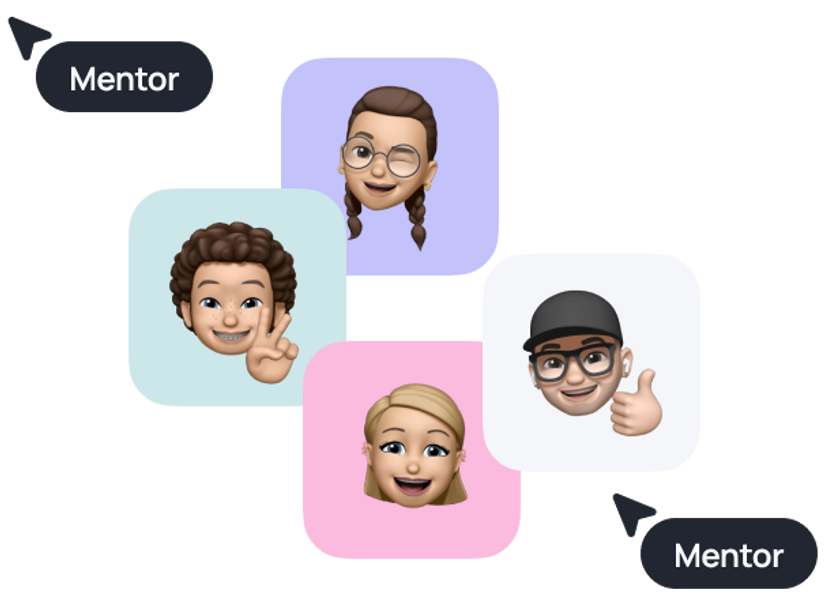
Mentors help you learn new topics, review your tasks, point out mistakes, and do live Q&A sessions.
Platform that has it all
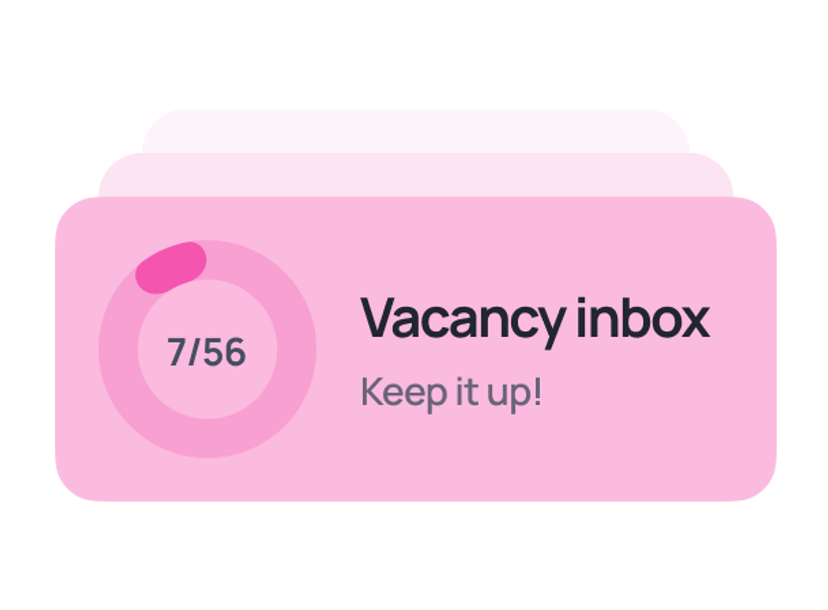
Learn through tutorials, interactive tasks, AI quizzes, and group projects — all in one place.
Your perks in every course

Job referrals
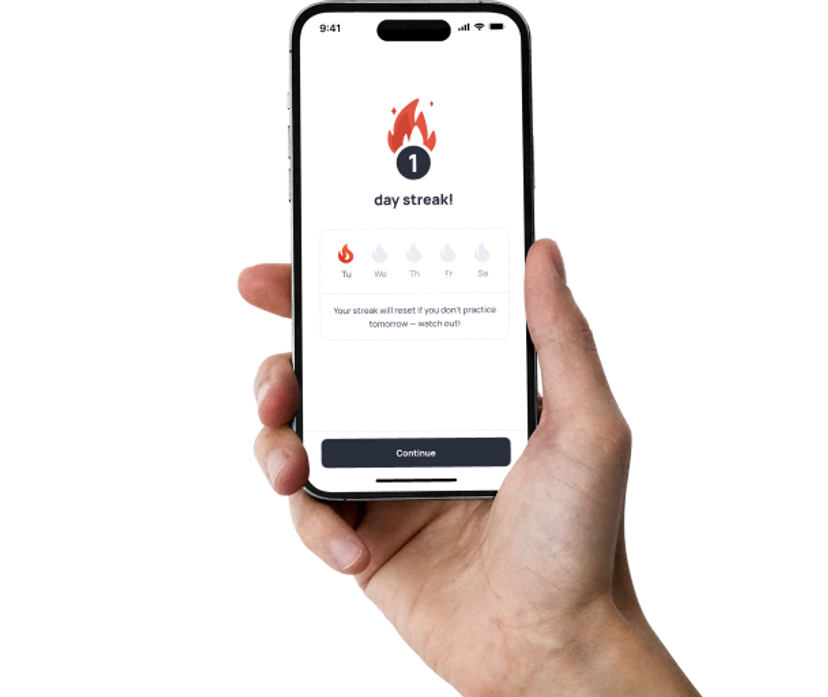
Get access to job openings from our partners before they hit the market.
English lessons
Gain skills to pass interviews and bond with your team.
Job search tips
Craft cover letters and resumes that land interviews.

AI skills module
Learn to talk to AI —and get better, more helpful answers.

Mock interviews
Practice for real-world interviews and build your confidence.
*You can buy English lessons separately.
FORMAT COMPARISON
Which studying format suits you?
Weekdays, 9 am - 6 pm
In your free time
This might be your CV

Marta K.
Graphic designer
Skills
- Develop brand identity and logos: build unique visual styles that communicate brand values and make it stand out from competitors
- Work with vector graphics: create illustrations, icons, and scalable elements of any complexity in Adobe Illustrator
- Retouch and process raster images: perform professional colour correction, photo manipulation, and visual preparation in Photoshop
- Layout multi-page designs: craft magazine, catalogue, and booklet layouts with a clear modular grid in Adobe InDesign
- Design visual hierarchy and typography: expertly select font pairings and fine-tune text readability across layouts
- Prepare layouts for print (Pre-press): configure CMYK colour profiles, bleeds, and technical specs for print production
- Create designs for social media and advertising: adapt visual solutions to multiple formats (banners, stories, posts) for marketing campaigns
- Develop brand books and guidelines: systematise rules for using visual elements to maintain brand consistency
Technologies




90%
of Mate grads entered the tech field for the first time
Build your portfolio while you learn
By the end of the course, you’ll have real projects that demonstrate your expertise to employers.
What's covered
Course roadmap
Get Started
3 topics
Graphic Design Basics
4 topics
In this module, you’ll understand what graphic design is and how it works in real life. You’ll explore the role of a designer, their business tasks, and key tools. You’ll also learn about different design fields and career paths.
Topics
- Welcome to Graphic Design
- The Graphic Designer: Roles, Myths & Real Value
- Skills & Daily Reality of a Graphic Designer
- Course Overview
GenAI Essentials
6 topics
Learn how to use GenAI responsibly and effectively.
Topics
- How GenAI Works
- Limitations of GenAI
- Prompting
- Responsible Use
- GenAI for Learning
- How to Keep Up With AI
Composition and Color
4 topics
In this module, you’ll learn how to use composition as the foundation of any design. You’ll understand hierarchy, balance, and negative space. You’ll also explore color, contrast, and color systems — and apply them in practice.
Topics
- Composition as a Foundation of Design
- Layout, Space & Visual Hierarchy
- Optical Precision in Design
- Color Theory
Working with Vector Graphics — Intro to Adobe Illustrator
5 topics
In this module, you’ll understand how vector graphics work and where they’re used. You’ll learn the basics of Adobe Illustrator, work with shapes, curves, and Pathfinder, and create your first illustrations and a simple logo.
Topics
- What is Vector Graphics
- Getting Started with Adobe Illustrator
- Pen Tool & Bézier Curves
- Working with Shapes and Pathfinder
- Image Tracing & First Logo Steps
Communication and Stress Management
7 topics
This module is designed to enhance your communication skills and overall soft skills. You’ll learn how to communicate effectively, feel confident during job interviews and public speaking, master techniques to manage stress, and much more. The best part? The module includes 28 practical tasks that will significantly boost your skills and help you see noticeable progress.
Topics
- Introduction to Communication & Stress Management
- Confidence Building and Stress Management
- Diction, Filler Words Reduction, and Body Language
- Public Speaking
- Job Interview
- Written Communication
- Social Media Communication Skills Development
Typography — Foundations and Usage
5 topics
In this module, you’ll learn how typography works in design. You’ll practice choosing fonts, working with spacing, and building text hierarchy. You’ll also understand how to combine fonts and avoid common mistakes.
Topics
- Introduction to Typography
- Types of Fonts and Combinations
- Working with Type
- Typography in Layout
- Font Selection and Licensing
Figma — Grids, Rhythm, and Systematic Design
6 topics
In this module, you’ll work in Figma and learn how to build grids, rhythm, and structured layouts. You’ll understand how to adapt designs across formats and work with references. You’ll start thinking systematically, not just intuitively.
Topics
- Figma Basics for Layout Work
- Grids & Guides
- Figma Slides: Interface & Design Fundamentals
- Adapting Layouts Across Formats
- Working with References
- AI in Figma
Adobe Photoshop — Photo Editing, AI, and Mockups
5 topics
In this module, you’ll master Adobe Photoshop for working with raster graphics. You’ll learn selection, retouching, color correction, and collage creation. You’ll also explore AI tools and mockup creation.
Topics
- Getting Started with Photoshop
- Selections, Masks, and Cutting Objects
- Photo Editing and Retouch
- AI in Design — Photoshop, Firefly, and Beyond
- Collage, Mockups, and Final Outputs
Brand Identity and Print Production
6 topics
In this module, you’ll go through the full process of building a brand identity — from research and idea to logo and visual system. You’ll work with moodboards, present concepts, and apply design to real formats. You’ll also learn the basics of print preparation.
Topics
- What is Brand Identity
- Where the Idea Comes From
- Designing the Logo
- Building the Identity
- Presenting and Delivering
- Preparing for Print and Production
Portfolio & Launching Your Design Career
5 topics
In this module, you’ll understand what it takes to start a design career. You’ll build a portfolio, prepare your CV, and learn how to pass interviews and test tasks. You’ll also explore how to grow and choose your direction.
Topics
- Navigating the Design Industry
- Planning Your Portfolio
- Building a Design Case
- Getting the Job
- Growing After the Course
Employment
9 topics
Ready to enter the tech market? Well... we'll get you ready — with a great resume, cover letter, a LinkedIn profile and mock interviews. Recruiters are in for a true discovery!
Topics
- Employment Roadmap
- Preparing Your Resume
- Interview Preparation
- Cover Letter Preparation
- LinkedIn, DOU, Djinni
- How to Find and Apply for Vacancies
- Job Search Tips: Talking to Recruiters
- Work details FAQ
- MilTech
After Effects: Intro to Motion Design
5 topics
A module where you'll get to know the basics of motion design in After Effects — from the interface and keyframes to creating your first animated composition.
Topics
- Getting Started with Motion Design in After Effects
- The Principles of Animation
- Working with Graphics & Camera
- Text Animation
- Effects & Delivery
Using AI for Work
4 topics
Boost your productivity with AI — simple, practical, no coding or technical background required.
Topics
- Introduction to AI
- Working with Claude
- Vibe coding
- AI for Video Generation
74
Topics
1
Project
From zero to hired
What’s your path to becoming a Graphic designer?
Land your job in tech
Start your new job as a Graphic designer.
Get in touch
Do I need a technical background? When can I start?
- We'll answer all your questions
- Help you choose the right course
- Get you in on our best deals
Skill level after the course
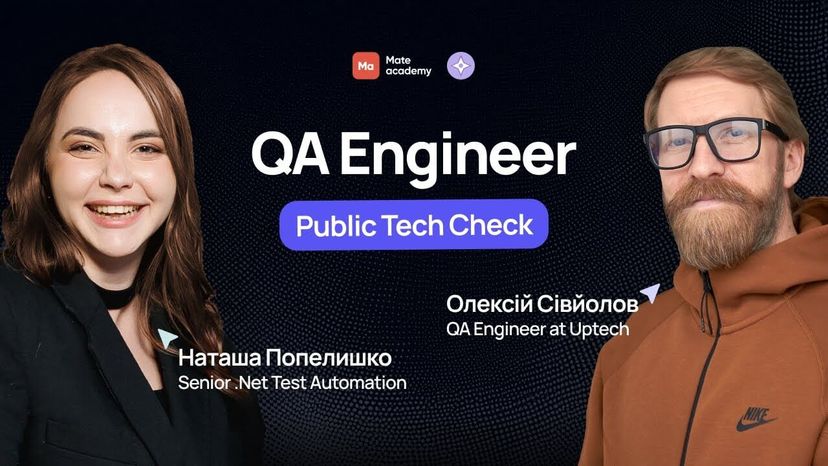
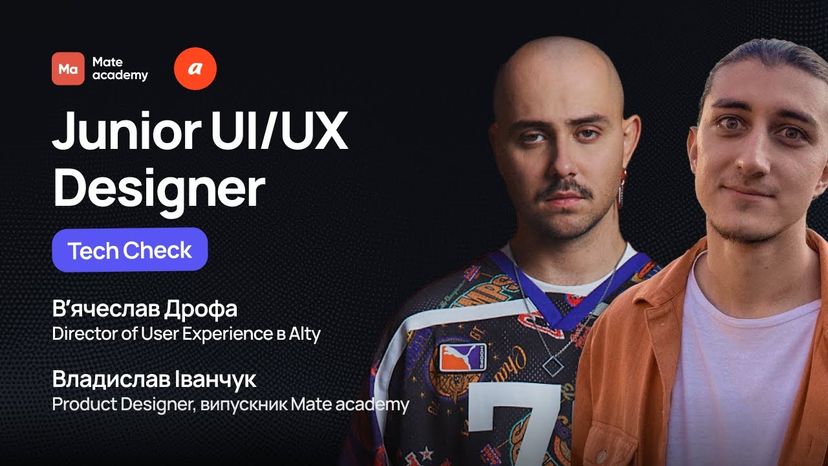
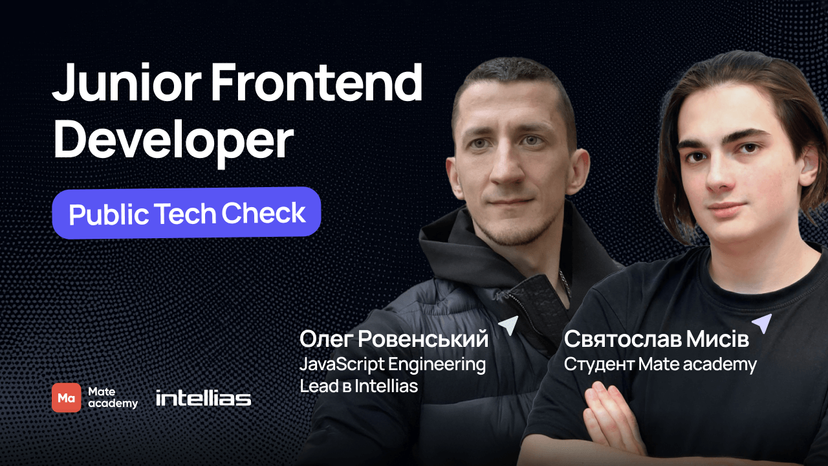
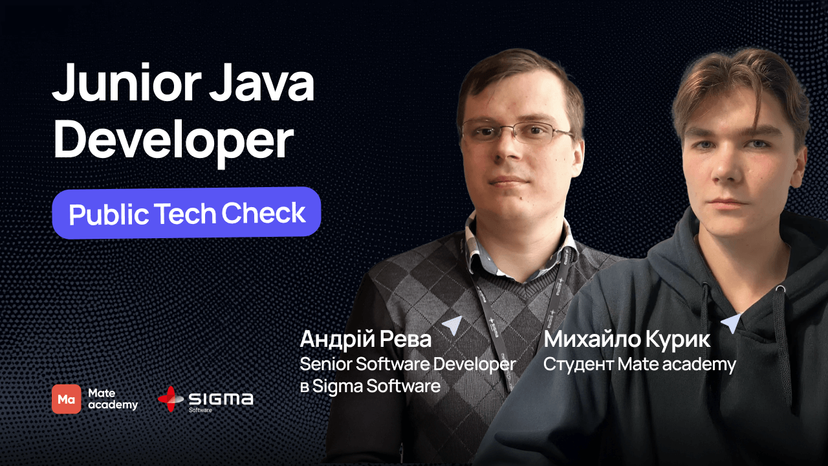
Mate graduates ace technical interviews

























Who will guide you?

Coaches

Mentors

English Teachers

Education coordinators

Employment coordinators

Get in touch
Let's get in touch
- We'll answer all your questions
- Help you choose the right course
- Get you in on our best deals
Faq
Got questions? We’ve got answers
How do full-time and flexible formats differ?
In the full-time schedule, you study online from 9 AM to 6 PM, Monday to Friday. You’ll attend webinars, do practical tasks, and get help from mentors. There are group video calls four times a week in the afternoon. This intense schedule is not good if you want to work at the same time.
The flexible schedule lets you learn at your own pace. You decide when and how many hours to study. Mentors are available to help you, and you can chat and join video calls with classmates. Plus, you get lifetime access to the course, so you can learn whenever you want.
Can I fit studying at Mate with other activities?
In the flexible format, you can balance your studies with work or school. You set your own pace and receive support from our mentors throughout the course.
In the full-time format, it’s hard to combine studies with work or school due to its intensity. You’ll need to fully commit, studying from 9 am to 6 pm, Monday to Friday.
Will I get a certificate upon completion?
Sure! After finishing our course, you'll get a certificate. More than 6500 of our graduates use it to show their skills on LinkedIn and other social media. But our main focus is helping you find a job, and we'll do everything we can to support you in that.
How do I choose a profession?
Do I need math or tech background to enroll?
No, you don’t need math or a technical background to enroll. In fact, 9 out of 10 Mate students come from non-technical backgrounds. Our job is to teach you the skills you need and help you land a job in tech.
How do I enroll?
To enroll in the full-time course, start by filling out an application and taking a short logic test with 15 questions. If your English level is below Pre-intermediate, we'll ask you to make a short video about yourself. Once we check that your English is good enough for learning, you can move on with your enrollment and set up an interview with our manager.
For the flexible course, just send an application. Our manager will reach out to explain the course details and help you pick the best option. You’ll get access to the course right after you pay.
Are there any age limits for this course?
You can apply for the full-time course starting at age 16 with your parents' permission. For the flexible course, you can begin if you’re at least 15 years old.
The employment guarantee applies if you reach the legal working age in your country by the time you finish the course.
How are you so sure that l'll find a job?
For over 10 years, we’ve been helping people kickstart their tech careers — and we’ve gotten pretty good at it.
Our courses are built around what companies actually want, with tons of hands-on practice to get you job-ready. And you’re never on your own — we’ll guide you every step of the way, from polishing your resume to nailing your interviews.
The best part? 80% of our grads land a tech job just a few months after finishing the course.
How does money-back guarantee work?
For full-time graduates, you only start paying for your education after finding a tech job. The payment is 12% of your net salary for 36 months. If you don’t get a job, you pay nothing.
If you finish the flexible course, actively search for a job with our support for 24 weeks, and don't receive any offers, you can get a full refund.
What's the schedule on full-time?
The full-time schedule combines theory lessons, practice, and Q&A sessions:
9:00 AM - 10:00 AM — Algorithms 10:00 AM - 11:30 AM — Theory 11:30 AM - 12:30 PM — Break 12:30 PM - 2:00 PM — Practice 2:00 PM - 2:30 PM — Q&A session 2:30 PM - 5:00 PM — Practice 5:00 PM - 6:00 PM — Q&A session
What jobs can I get after the Graphic design course?
Graduates of the Graphic designer course most often start their careers as Junior Graphic designer, Brand Designer, or Visual Designer, gaining hands-on experience in creating brand identities, advertising creatives, and print materials.
With time and experience, graphic designers move into more senior roles such as Middle/Senior Graphic designer, Art Director, or Creative Lead, and can also branch out into related fields like motion design, branding, UI/UX design, or creative consulting. Entry-level graphic designer salaries start at $500, while experienced professionals earn $2,000–4,000+ per month, with the option to work in-house or freelance with international clients.
What will I be able to do after completing the Graphic designer course?
Our online graphic design course features structured modules that will help you master both technical and creative skills for a successful career as a graphic designer. You'll learn to create logos, brand identities, brand books, and design guidelines — the full cycle of visual brand identity.
In this course, you'll master Adobe Illustrator (vector graphics), Adobe Photoshop (raster graphics and retouching), and Adobe InDesign (multi-page layout design). You'll also learn the fundamentals of motion design and create animations in Adobe After Effects. On top of that, the course will teach you how to work with typography, composition, and color theory, set print specifications, and prepare materials for production — from advertising banners and packaging to printed materials.
Why is an online graphic design course better than self-study?
The Graphic design course provides a structured approach to learning graphic design from scratch — you master key concepts step by step with no gaps in your knowledge. During the course, you'll receive feedback from experienced practicing mentors and work on real-world cases: creating logos, brand identities, and advertising creatives for your portfolio. The course also includes communication with fellow students through chats and video calls, where you can share experiences and motivate each other. Unlike self-study, you'll have a clear plan, deadlines, and career support that will guide you all the way to employment.
How to become a graphic designer from scratch?
To master the graphic design profession from scratch, you need to start with the fundamentals: understanding composition, typography, color theory, and principles of visual communication. Next — master the tools: Adobe Photoshop, Illustrator, InDesign, and Figma. As you progress, you'll learn to create logos, brand identities, advertising materials, print layouts, and digital creatives.
Our graphic design course is built to take you from basic concepts to real-world tasks. During your studies, you'll work on practical projects, build a portfolio, and receive support from mentors who work at leading design studios and IT companies. You don't need a specialized degree — 9 out of 10 students start with no prior design experience.
What computer do I need for the online Graphic designer course?
To complete the online graphic design course, you'll need a computer or laptop with sufficient performance for working with graphic editors. Recommended minimum specs: Intel Core i5 processor (or AMD equivalent) or higher, at least 8 GB of RAM (16 GB recommended for comfortable work with Adobe programs), 256 GB SSD or larger, a discrete or integrated graphics card with OpenGL support, and a stable internet connection. For motion design work in After Effects, 16 GB of RAM and a more powerful graphics card are recommended.
What is a graphic designer's salary?
The average salary for a middle-level graphic designer is $1,540 per month. Income level depends on specialization, experience, and portfolio — experienced designers and those focused on branding or digital design earn significantly more.

Benefits of the Graphic designer profession
Graphic design is one of the most visually impactful and sought-after creative professions. Graphic designers shape how brands, products, and ideas look in the world — from product packaging to mobile interfaces. The key benefits of Graphic design are: High demand: demand for graphic designers is steadily growing alongside the rise of digital marketing, e-commerce, and social media. Every brand, startup, and agency needs a specialist who can create compelling visual communication. Competitive salary: the average salary of a middle graphic designer is $1,540 per month. With experience and a strong portfolio — especially in branding and digital — earnings grow significantly. Creativity and practicality in one role: a graphic designer combines art and business — you solve real marketing challenges through visual solutions while getting satisfaction from creating something beautiful and functional. Flexible work formats: graphic designers can work in an office, freelance, or remotely, collaborating with local and international clients at the same time.
Career prospects after a Graphic design course
A graphic design course opens the door to a wide range of roles: Junior Graphic designer, Brand Designer, Visual Designer — and, with time, Art Director or Design Lead positions. A graphic designer's career grows through real project work, portfolio development, and specialisation — in branding, digital, packaging, or editorial design. Demand for graphic designers spans advertising agencies, design studios, marketing departments, and freelance — and the market keeps growing thanks to the rapid expansion of digital and e-commerce.
Who online Graphic design courses are for
Beginners with no experience: if you're just starting out, the graphic design course will help you master key tools — Adobe Illustrator, Photoshop, and InDesign — and lay the foundation for starting your career. Those with some skills already: if you draw, do photography, or have basic design experience — the course will systematise your knowledge, close the gaps, and take you to a professional level. Marketers and business owners: if you want to independently create high-quality visual content for your business, social media, or ad campaigns — the course gives you all the skills needed. Those looking to change careers: if your current job isn't fulfilling — graphic design opens a path to a creative and in-demand IT-adjacent profession with flexible work arrangements.
How the Graphic designer course works
You can take the Graphic design course in a flexible format. Regardless of pace, the structure is the same: 20% theory — concise, structured lessons to quickly absorb core concepts — and 80% practical work on real design cases. After each assignment, you'll receive personal feedback from a mentor and review your mistakes to improve your design skills. You'll also be able to interact with classmates via chat or video calls, share ideas, and discuss projects — just like in a real design team.